We make Pop Quiz, so it’s ranked on its merits, fourth, with its weak points spelled out. Every tool was compared on its own pricing page and help docs, checked on 23 October 2026, not lab-tested.
The three kinds of interactive presentation tool #
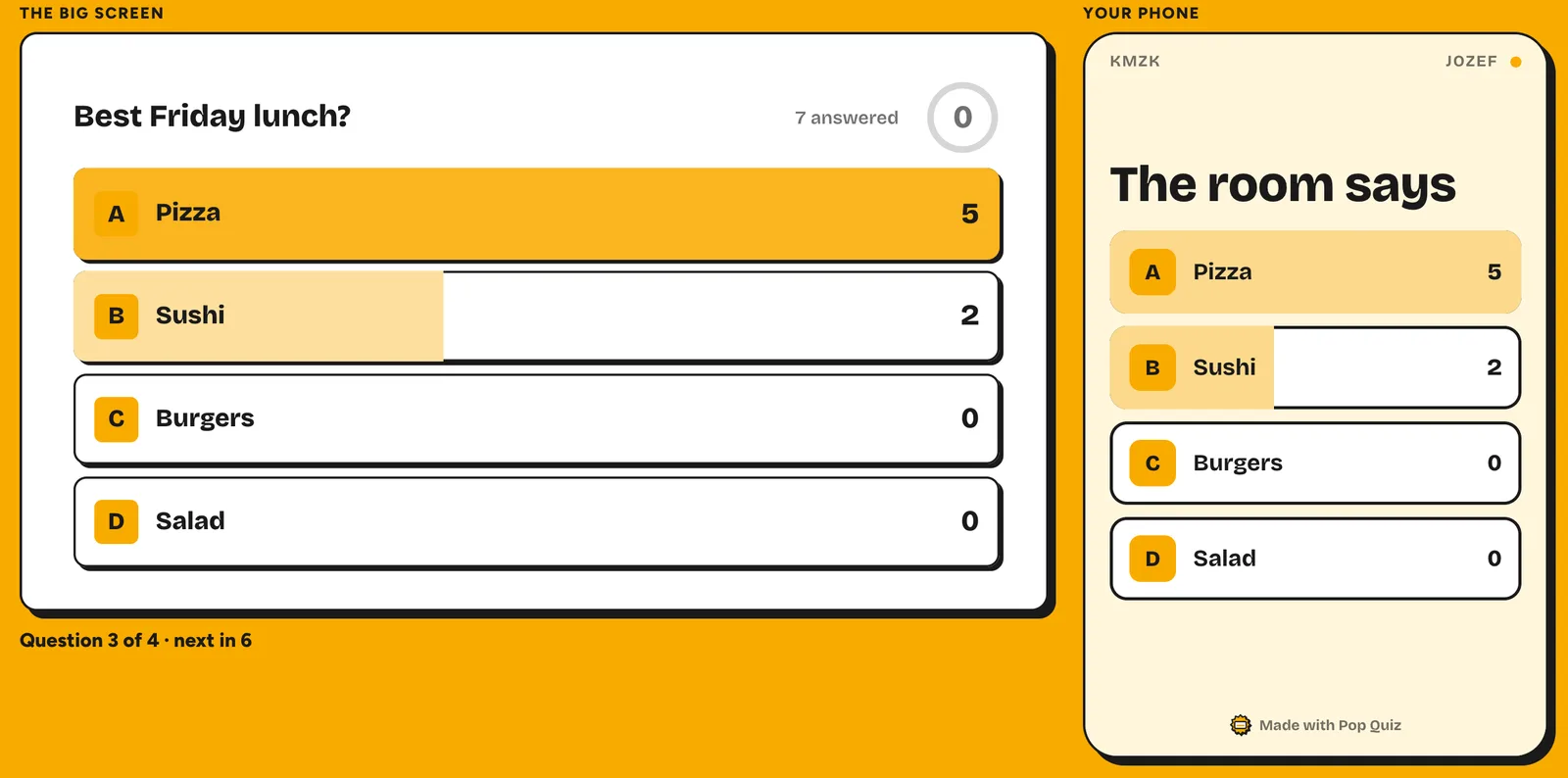
These tools, also called audience engagement tools or audience response systems, let the room answer back from their phones: vote, answer or ask, with results on the big screen. Pick the kind first, then the tool.
- Inside the slides you already have. An add-on or extension puts live polls into your Google Slides or PowerPoint deck. Good when the deck exists. Examples: Slido, Vevox, Wooclap, Poll Everywhere, Pop Quiz.
- A separate presentation app. You build the interactive part in the tool’s own app and present from there. Good for workshops. Examples: Mentimeter, AhaSlides, Kahoot! 360, Crowdpurr.
- Q&A tools. The room sends questions and you answer the ones that matter. Good for all-hands. Slido and Vevox include Q&A free; Kahoot! 360 adds it on Pro Standard.
How to choose #
- What should the room do? Ask and vote: Slido or Vevox. A workshop: Mentimeter or AhaSlides. A scored quiz game: see Kahoot alternatives for work.
- How many people? Slido and Vevox take 100 free. Watch monthly caps too: Mentimeter counts 50 participants a month, Wooclap 5 questions.
- Google Slides or PowerPoint? To stay in Google Slides: Slido, Vevox, Wooclap or Pop Quiz (more in the best Google Slides add-ons). In PowerPoint: Slido, Vevox, Poll Everywhere, Wooclap, AhaSlides or Mentimeter.
- What will IT allow? Add-ons and Chrome extensions can be blocked on a work laptop, Pop Quiz included. Ask a week before.
Interactive presentation tools compared: the table #
| Tool | Best for | Free plan | Paid plans from | Google Slides | PowerPoint |
|---|---|---|---|---|---|
| Slido | Polls and Q&A | 100 participants, 3 polls and 1 quiz per slido | AU$19.50 a month, billed yearly | Yes, on the free plan | Yes, free integration |
| Mentimeter | Workshops | 50 participants a month, or unlimited once a month | €14 per presenter a month, billed yearly | Import (Basic) or embed (Pro), presented from Mentimeter | Yes, add-in |
| Vevox | Free polls and Q&A | 100 participants, unlimited multiple-choice polls and quizzes | US$11.95 a month, billed yearly | Yes, add-on | Yes |
| Pop Quiz (ours) | A quiz or poll in your own Google Slides deck | Free, up to 150 players, no account for anyone | No paid plan | Yes: it runs on your own slides | No |
| Kahoot! 360 | Game-show energy | 15 participants, 15-minute sessions | US$228 a year for 50 participants | Slide sync on Pro Standard (US$300 a year) | Import, or sync on Pro Standard |
| Poll Everywhere | Polls in PowerPoint | Audience of up to 40 | US$10 a month, billed yearly | Chrome extension, labelled for Poll Everywhere 1.0 | Yes, every plan |
| AhaSlides | A small budget | 50 participants, 5 quiz and 3 poll questions per presentation | US$7.95 a month, billed yearly | Add-on, presents from AhaSlides | Yes, add-in |
| Wooclap | Training sessions | 5 questions a month, up to 1,000 participants (per its FAQ) | Basic, billed yearly (price not confirmed) | Yes, browser extension | Yes |
| Crowdpurr | A hosted trivia night | 20 participants, 15 questions | US$24.99 a month, billed yearly | Not listed | Not listed |
| Pear Deck | Classrooms | Teacher Free plan | US$149 a year, with the educator discount | Yes, add-on | PowerPoint Online only |
Prices are as each tool’s pricing page showed them on 23 October 2026, in its currency (Slido showed Australian dollars from New Zealand).
The 10 best interactive presentation tools for team meetings #
Ranked for one job: polls, Q&A and engagement in a work meeting, from a 12-person stand-up to an all-hands.
1. Slido
Best for polls and Q&A- Best for
- All-hands, town halls and team meetings where questions and quick polls matter most
- Free plan
- Basic: up to 100 participants, 3 polls and 1 quiz per slido, with basic audience Q&A
- Paid from
- Engage, AU$19.50 a month billed yearly (AU$234), up to 200 participants
- Google Slides
- Yes, add-on on every plan; the poll appears when you reach its slide
- PowerPoint
- Yes, free integration for Windows and Mac
The catch. You need a Slido account to present, and 3 polls per slido go quickly.
2. Mentimeter
Best for workshops- Best for
- Workshops and training days where the interactive slides are the presentation
- Free plan
- 50 participants a month across all presentations, plus one presentation a month with unlimited participants
- Paid from
- Basic, €14 per presenter a month billed yearly, unlimited participants
- Google Slides
- Not in your deck. Import on Basic (slides become images), embed on Pro; you present from Mentimeter
- PowerPoint
- Yes, add-in
The catch. Run more than one session a month with over 50 people and you’ll hit the free cap.
3. Vevox
Best free plan for polls and Q&A- Best for
- Polls and Q&A for up to 100 people, from inside your existing deck
- Free plan
- Up to 100 participants a session, unlimited multiple-choice polls, quizzes and Q&A
- Paid from
- Starter, US$11.95 a month billed yearly (US$143.40), up to 250 participants
- Google Slides
- Yes, free add-on
- PowerPoint
- Yes, plus Microsoft Teams
The catch. Word clouds and open text need Starter, and Q&A moderation needs an upgrade.
4. Pop Quiz
Ours- Best for
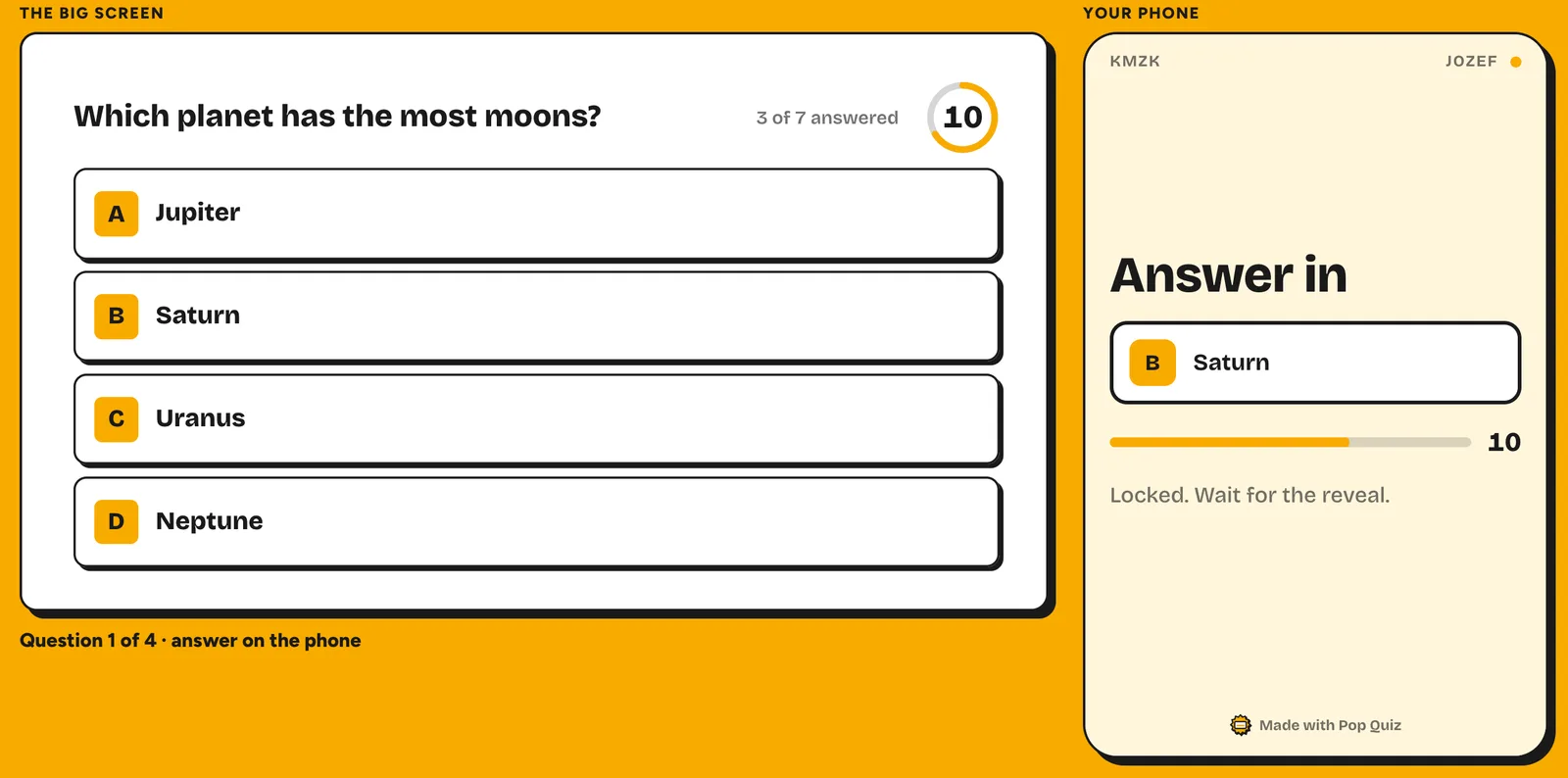
- A quick poll, word cloud or scored quiz inside your own Google Slides deck
- Free plan
- Free, up to 150 players a room, no account for anyone, no ads
- Paid from
- No paid plan
- Google Slides
- Yes, drawn on your own slides in your deck’s fonts and colours
- PowerPoint
- No. Import a PowerPoint deck into Google Slides first
The catch. No moderated audience Q&A (open answers, shown as cards on the slide, are the closest thing). New, so no reviews yet, and it presents from Chrome on a laptop or desktop only.
That’s why it sits fourth on a page about polls and Q&A.
5. Kahoot! 360
Best for game-show energy- Best for
- Team events where a loud, scored quiz is the point
- Free plan
- Kahoot! 360 Express: 15 participants, 15-minute sessions
- Paid from
- Pro Start, US$228 a year (US$19 a month), up to 50 participants
- Google Slides
- Synced into Kahoot and presented from Kahoot, on Pro Standard (US$300 a year)
- PowerPoint
- Imported or synced into Kahoot
The catch. Q&A, word clouds and slide sync all start at Pro Standard.
For quiz-game detail, see our Kahoot alternatives for work.
6. Poll Everywhere
Best for polls in PowerPoint- Best for
- PowerPoint users who want straightforward polls without changing how they present
- Free plan
- Intro: an audience of up to 40, unlimited questions
- Paid from
- Present, US$10 a month billed yearly (US$120), audience of up to 700
- Google Slides
- Chrome extension, labelled by Poll Everywhere’s plans page as for Poll Everywhere 1.0
- PowerPoint
- Yes, on every plan
The catch. 40 is a small free audience for an all-hands, and you need an account to present.
Q&A and word clouds are among its question types, and people can answer by text message.
7. AhaSlides
Best on a small budget- Best for
- Small teams who want a bit of everything and the cheapest paid plan here
- Free plan
- Up to 50 participants; 5 quiz and 3 poll questions per presentation
- Paid from
- Essential, US$7.95 a month billed yearly, up to 100 participants
- Google Slides
- Add-on, but it imports the deck and presents from AhaSlides
- PowerPoint
- Yes, add-in
The catch. In Google Slides, your own slides become static images, so animations, video and links stop working.
Q&A, word clouds and rating scales are among its activities.
8. Wooclap
Best for training sessions- Best for
- Training sessions for a big room, where a handful of questions is enough
- Free plan
- Starter: 5 questions a month, up to 1,000 participants per event (per Wooclap’s FAQ)
- Paid from
- Basic, billed yearly, excl. VAT (price not confirmed on 23 October)
- Google Slides
- Yes, Chrome or Firefox extension; the question becomes a slide
- PowerPoint
- Yes
The catch. Five questions a month is a trial, not a weekly meeting.
9. Crowdpurr
Best for a hosted trivia night- Best for
- A big trivia event, in person, virtual or hybrid
- Free plan
- Basic: 20 participants and 15 questions per experience, with sponsor ads
- Paid from
- Classroom, US$24.99 a month billed yearly (US$299.94), 100 participants
- Google Slides
- Not listed: it runs its own display
- PowerPoint
- Not listed
The catch. It replaces your slides rather than adding to them.
10. Pear Deck
A classroom tool- Best for
- Teachers. It’s here because it ranks for this search
- Free plan
- Teacher Free
- Paid from
- Teacher Premium, US$149 a year with the educator discount
- Google Slides
- Yes, add-on
- PowerPoint
- PowerPoint Online only, not the desktop app
The catch. There’s no business plan. For a work meeting, a tool above will fit better.
How to make a presentation interactive in a team meeting #
- Start in the first three minutes with one easy poll, so every phone joins early.
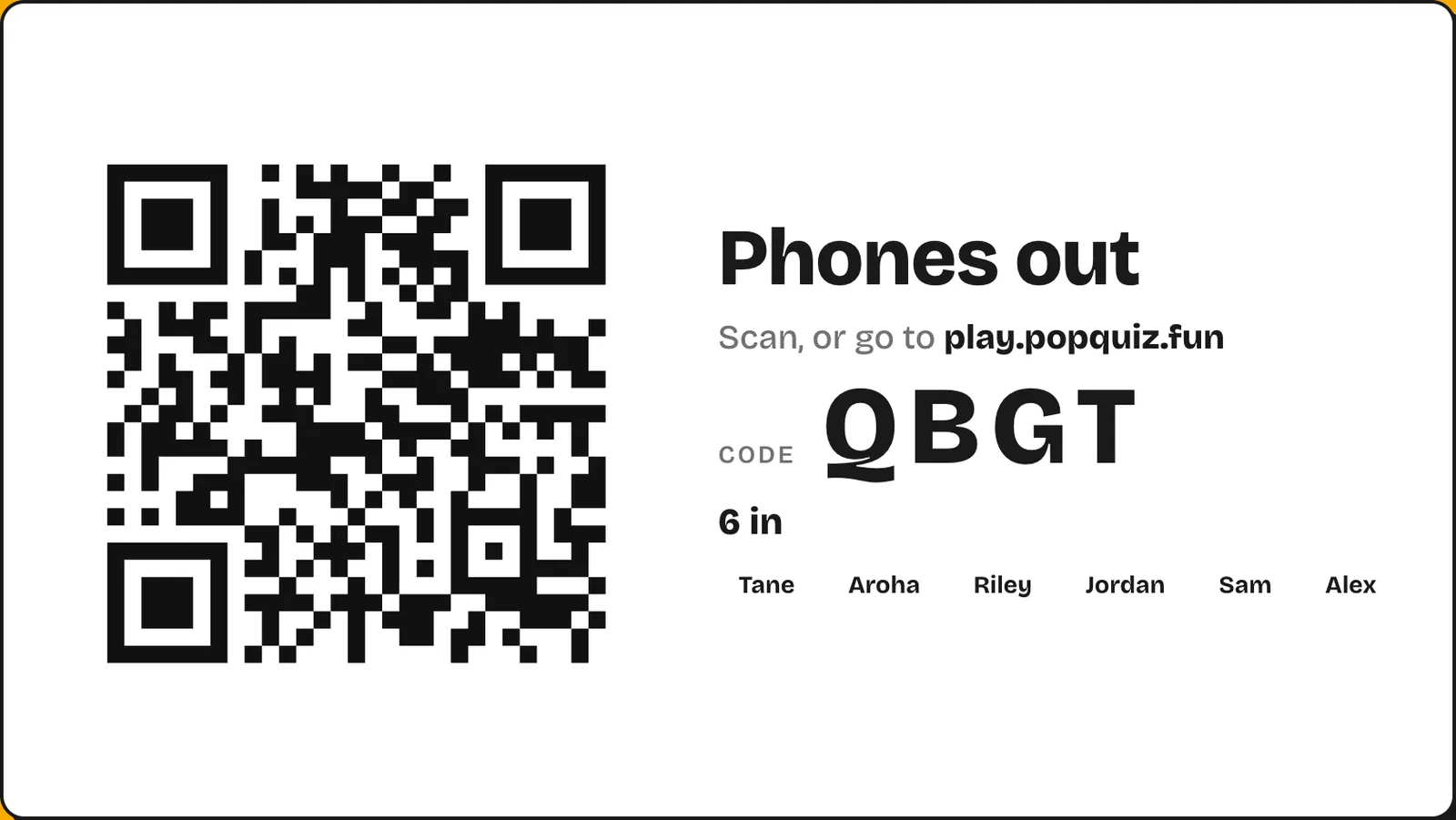
- Leave the join screen up for a full minute, read the code aloud, and bring it back after the first break.
- Ask, then pause. Stop talking while answers come in.
- Space it out. One interaction every ten minutes or so keeps a long meeting moving.
- Act on what you hear. If the poll says the new process is confusing, say what happens next.
More in how to make Google Slides interactive and how to make a free live quiz in Google Slides.
Questions #
What is the best interactive presentation tool? #
For polls and Q&A in meetings, Slido. For workshops, Mentimeter. For a quiz or poll inside your own Google Slides deck, Pop Quiz, which we make.
What is an audience response system? #
A way for an audience to answer questions during a talk and see the results live. Older systems used handheld clickers; today’s run in the browser on people’s own phones.
Are there free interactive presentation tools? #
Yes, every tool here has a free plan. The caps differ: Slido and Vevox take 100, Poll Everywhere 40, Crowdpurr 20, and Kahoot! 360 Express 15 people for 15 minutes.
Do people need an app to join? #
No. Every tool here lets people join in their phone’s browser with a link, QR code or code. Pop Quiz players type a nickname, with no account.
Do these work for remote and hybrid meetings? #
Yes. Share your screen on Zoom, Google Meet or Teams, and remote people answer on their own phones alongside the room.
What’s the difference between interactive presentation software and a presentation maker? #
Interactive presentation software lets your audience answer live. Presentation makers like Prezi, Genially and Canva make the slides themselves look interactive, with zooms and clickable parts.
Sources
- Slido pricing, Google Slides, Google Slides polling, PowerPoint polling and live polling features, checked 23 October 2026
- Mentimeter plans, free account help, integrations, embedding Google Slides, importing slides and Menti Live, checked 23 October 2026
- Vevox business pricing and Google Workspace Marketplace listing, checked 23 October 2026
- Kahoot! 360 pricing, Kahoot! 360 Express and presentations and meetings, checked 23 October 2026
- Poll Everywhere plans, home page, Google Slides and Chrome extension, checked 23 October 2026
- AhaSlides pricing, Google Slides add-on help, Google Slides integration and integrations, checked 23 October 2026
- Wooclap business pricing and Google Slides help, checked 23 October 2026
- Crowdpurr pricing and home page, checked 23 October 2026
- Pear Deck pricing, Google Slides add-on and PowerPoint Online help, checked 23 October 2026
Slido, Mentimeter, Vevox, Kahoot, Poll Everywhere, AhaSlides, Wooclap, Crowdpurr, Pear Deck, Prezi, Genially and Canva are trademarks of their owners. Pop Quiz is not affiliated with any of them, or with Google. Prices and limits were checked on 23 October 2026. If one has changed, tell us and we’ll fix it.